
Create GTA 6-Style Selfies Using These ChatGPT Prompts
The visual style of Grand Theft Auto VI or GTA 6, has already found its way onto Instagram, before the game-inspired trend has slowed down. I’ve seen selfies that have been colored and turned into a bright digital image, even with neon sunsets, palm trees, and of course the familiar streets of Vice City.
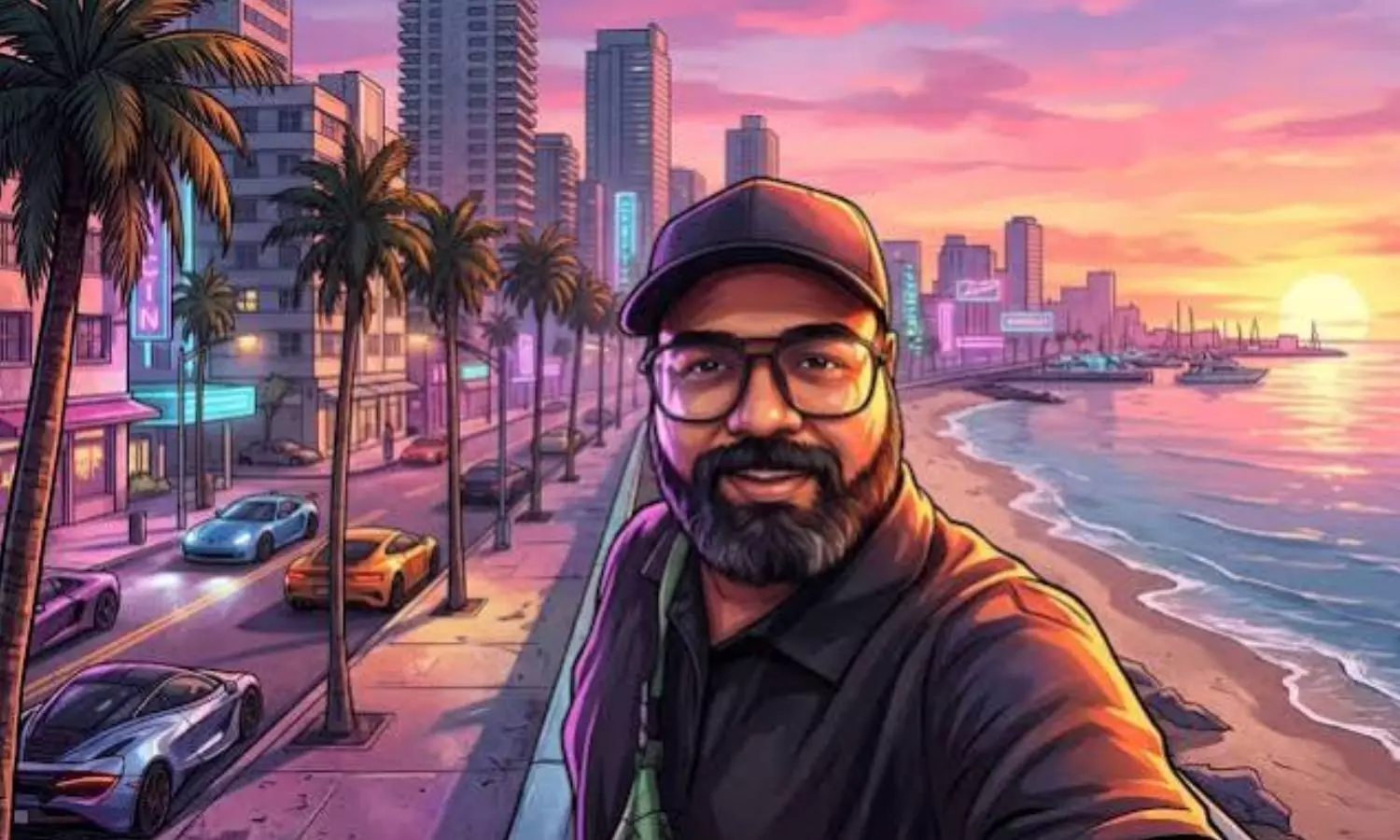
Much of this trend is being fuelled by the ability of ChatGPT’s image generation tool. This feature enables users to convert their pictures into GTA 6-style art in just a few minutes. This process is pretty easy. Does not require any photo-editing experience.
Here are some suggestions on how to make GTA 6 portraits:
Open the ChatGPT app on your mobile device, or go to chatgpt.com.
Login to your account and post a clearly visible photo.
After uploading the image, then type this prompt into the chat box:
Turn this photo into a GTA 6 portrait, with my face, hair and skin tone the same. Set me on a sunset Vice City street with palm trees and pastel Art Deco buildings. Bold outlines, cel-shaded lighting and a pink, orange, and teal palette.
ChatGPT will analyse the images and your commands and create a personalized portrait.
To get a good picture, what steps do you need to take?
Not all first results are the same as what you may want. You do not have to create a new picture again, you can request that ChatGPT to make certain changes. For example, a brighter background, more palm trees or more intense colors. When satisfied, click on the created image and save it to your device.
The following are a few ideas for getting a better result:
A picture that has been taken in front should be bright and clear rather than dark or shaded. You may also add to your prompt the words ‘keep the face true to the original photo’.
To create the image for your Instagram posts, Stories, and Reels covers, request a 4:5 or 9:16 ratio from ChatGPT.
A word of caution
Before uploading personal photographs, check ChatGPT’s Data Controls. Images and other content might be utilized for improving OpenAI’s models, contingent upon your settings. The ‘Improve the model for everyone’ feature can be turned off in Settings.