
Chrome 156 Update Fixes 353 Security Flaws: Why You Should Update Now
Google has released a big security update for Chrome and people are being told to install it away. The company put out Chrome 156 for Windows, macOS and Linux on October 20 2026. This update fixes 353 security problems. There are six issues that affect parts, like graphics, accessibility, rendering and communication.
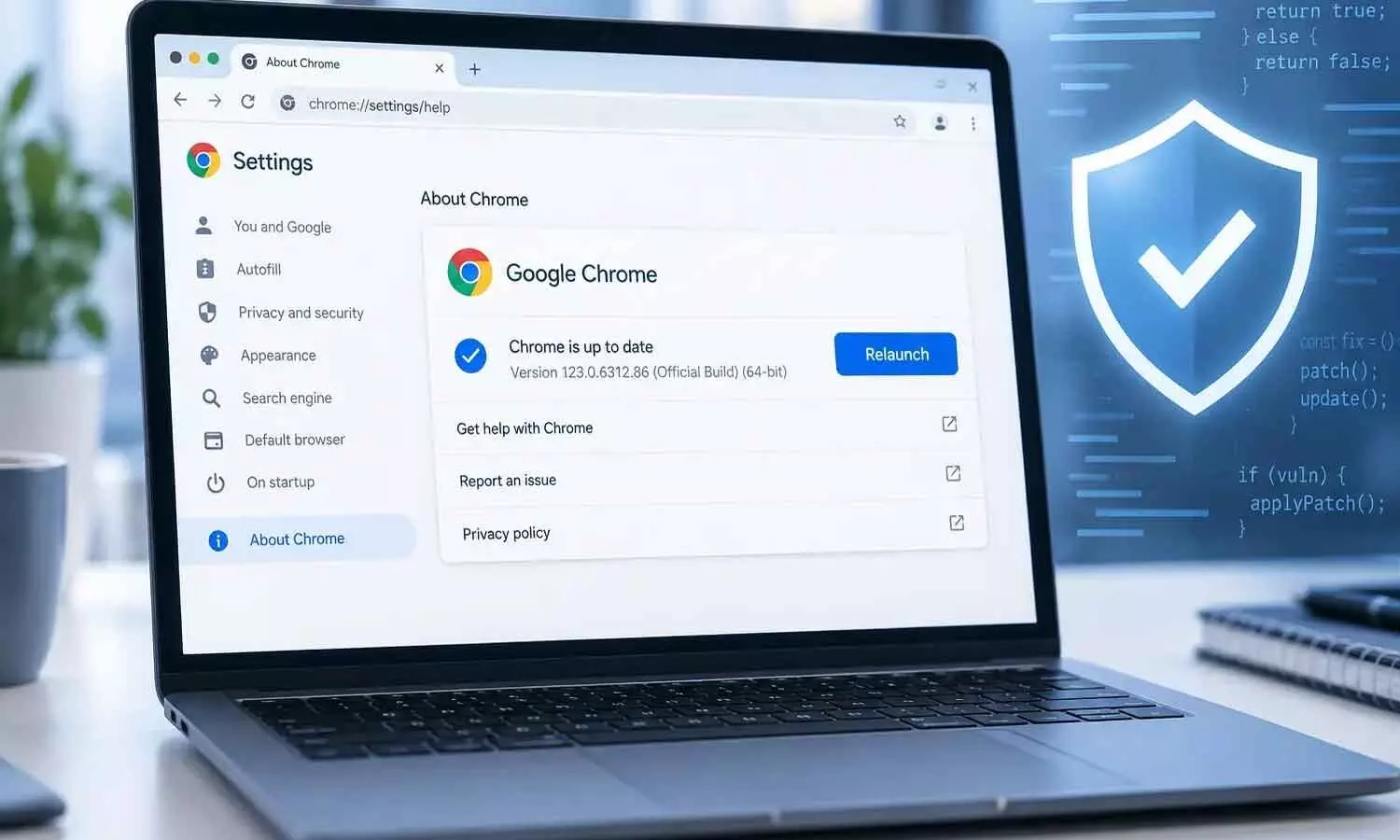
The update is being rolled out slowly. Will reach users over the next few days and weeks. Users should make sure their browser is updated to version 156.0.8078.47 on Linux. Windows and Mac users should check for version 156.0.8078.47 or 156.0.8078.48.
What are the critical flaws?
Among the 353 vulnerabilities fixed in the update six have been classified as critical. These are, at the severity level.
Five of these vulnerabilities involve memory corruption in different Chrome components, including the Skia graphics engine, CSS styling, Paint, WebRTC and Accessibility. The sixth critical issue is a use-after-free vulnerability in Chrome’s Accessibility component.
Memory-related vulnerabilities can be particularly dangerous because attackers may potentially exploit them to execute malicious code or cause a browser to crash.
However, there is currently no indication in Google’s security advisory that any of the six critical vulnerabilities are being actively exploited in attacks. Google is also withholding detailed information about the vulnerabilities until a larger number of users have installed the security fixes.
AI helps find security bugs
One of the notable aspects of the Chrome 156 update is the growing role of artificial intelligence in vulnerability research. While Google’s internal security researchers identified issues such as the Skia graphics vulnerability, external researchers also used AI-assisted tools to uncover serious bugs.
A researcher at Anthropic used Claude AI while investigating the critical use-after-free vulnerability affecting Chrome’s Accessibility component.
OpenAI Codex Security, also called kylebot, was also given credit for discovering the WebRTC vulnerability. These discoveries are evidence that AI is being used more together with human experts in cybersecurity. The vulnerabilities were not found by AI working completely on its own.
How to update Google Chrome
Updating Chrome takes only a few steps. Open Chrome, click the three-dot menu in the top-right corner, select Help, and then choose About Google Chrome.
Chrome will automatically check for updates and download the latest version. After the download is complete, click Relaunch to finish installing the update. Simply downloading the patch is not enough.
On office-managed computers, administrators can also use Chrome Enterprise tools to ensure browsers restart after receiving security updates.