
Apple Pushes iPhone Users to Update to iOS 27: What It Means for You
Apple is making a change that iPhone users who have delayed their software update are likely to notice. The company has moved iOS 27 to the top of the Software Update page, giving it more visibility than the older iOS 26 version.
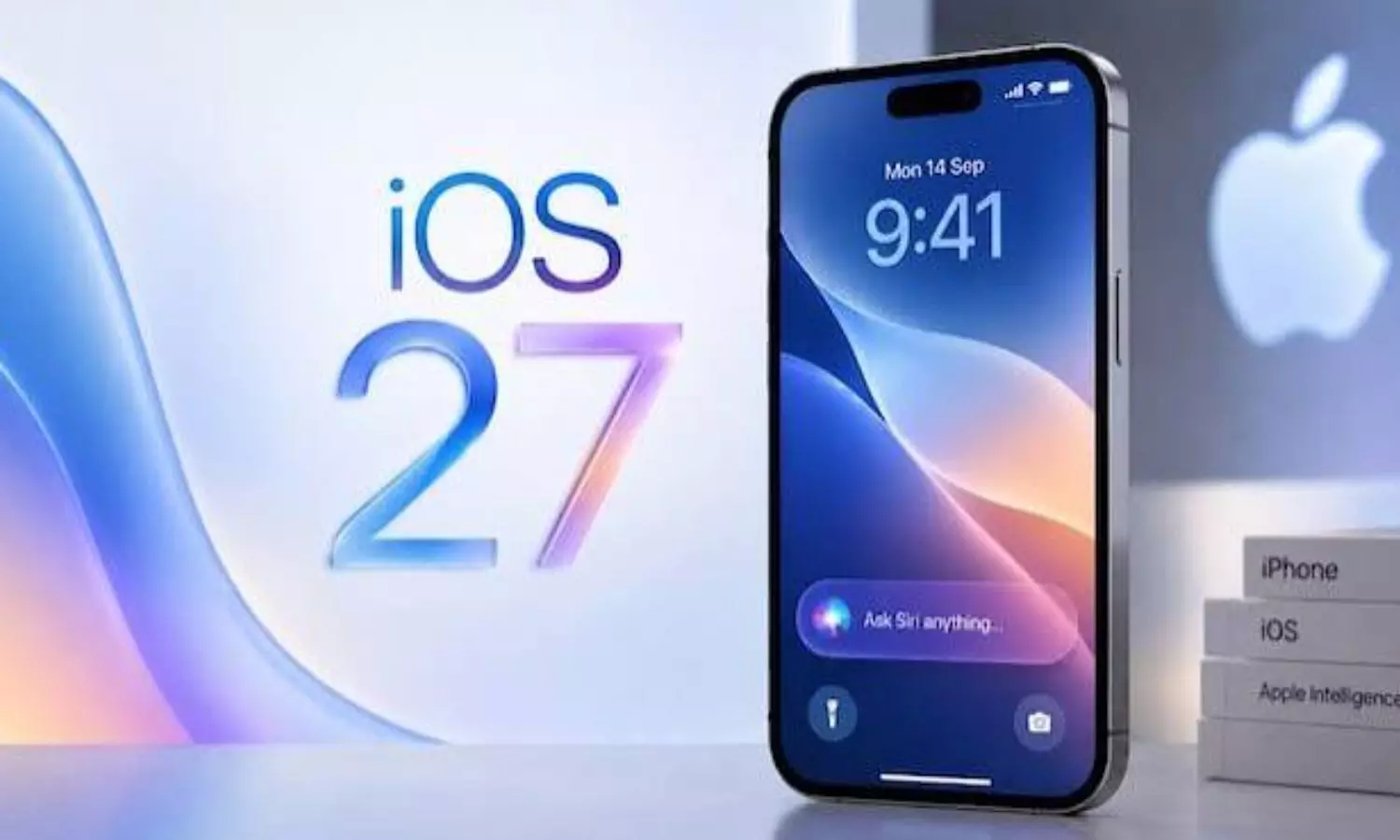
Until now, users checking for updates could find iOS 26.7 or iOS 26.7.1 listed first, with iOS 27 tucked away under an “Also Available” section. Apple has now switched the order, putting its newer operating system front and centre.
The change makes it easier to find iOS 27, but it does not mean everyone needs to upgrade immediately.
iOS 27 Takes the Lead
Apple released iOS 27 on September 14. For the first few weeks, however, the company continued to give priority to updates for iOS 26. That has now changed, with iOS 27.0.1 appearing as the main option when users visit Settings > General > Software Update.
The older iOS 26.7.1 update has not disappeared. It is still available under the “Also Available” section, giving users another option if they do not want to move to the newer version.
Apple has not shared official figures on how many people have installed iOS 27. By making the update more prominent, though, the company is clearly making it easier for users to find the latest software.
Should You Update Your iPhone Now?
If you are comfortable with iOS 26 you do not need to rush into an upgrade just because Apple has changed the order of the updates.
Some users like to wait before installing a software release. They may be worried about bugs or other problems that show up after the launch. If your iPhone is working right now, waiting a little longer can be a smart move. It gives time for others to test things out and find any issues. That way you can avoid problems. Stay safe.
However, there is one thing you should not ignore: security updates.
Apple suggests that people who choose not to install iOS 27 should instead download iOS 26.7.1. This update has security fixes that help keep iPhones safe from weaknesses.
In words you can stay with your current operating system for now but make sure you are not missing important security updates.
How to Install iOS 27.0.1
If you are ready to upgrade, the process is straightforward.
First, connect your iPhone to a stable Wi-Fi network and make sure the battery is at least 50 per cent charged, or keep the phone connected to a charger. Open Settings, tap General and select Software Update. Choose iOS 27.0.1 and follow the instructions on the screen.
It is also worth backing up your important data before starting the installation.
At present iPhone users can choose to install iOS 27.0.1 or stay on iOS 26 and use the security update that’s available. In either case keeping iPhone software up to date is vital to safeguard the iPhone device and personal information.