
Generate Professional LinkedIn Portraits with Natural Studio Lighting
On a platform built around first impressions, your profile photo is the one image everybody sees before they read a word about you. A dim selfie or a cropped holiday snapshot quietly undercuts an otherwise strong profile, while a well-lit portrait signals care and credibility.
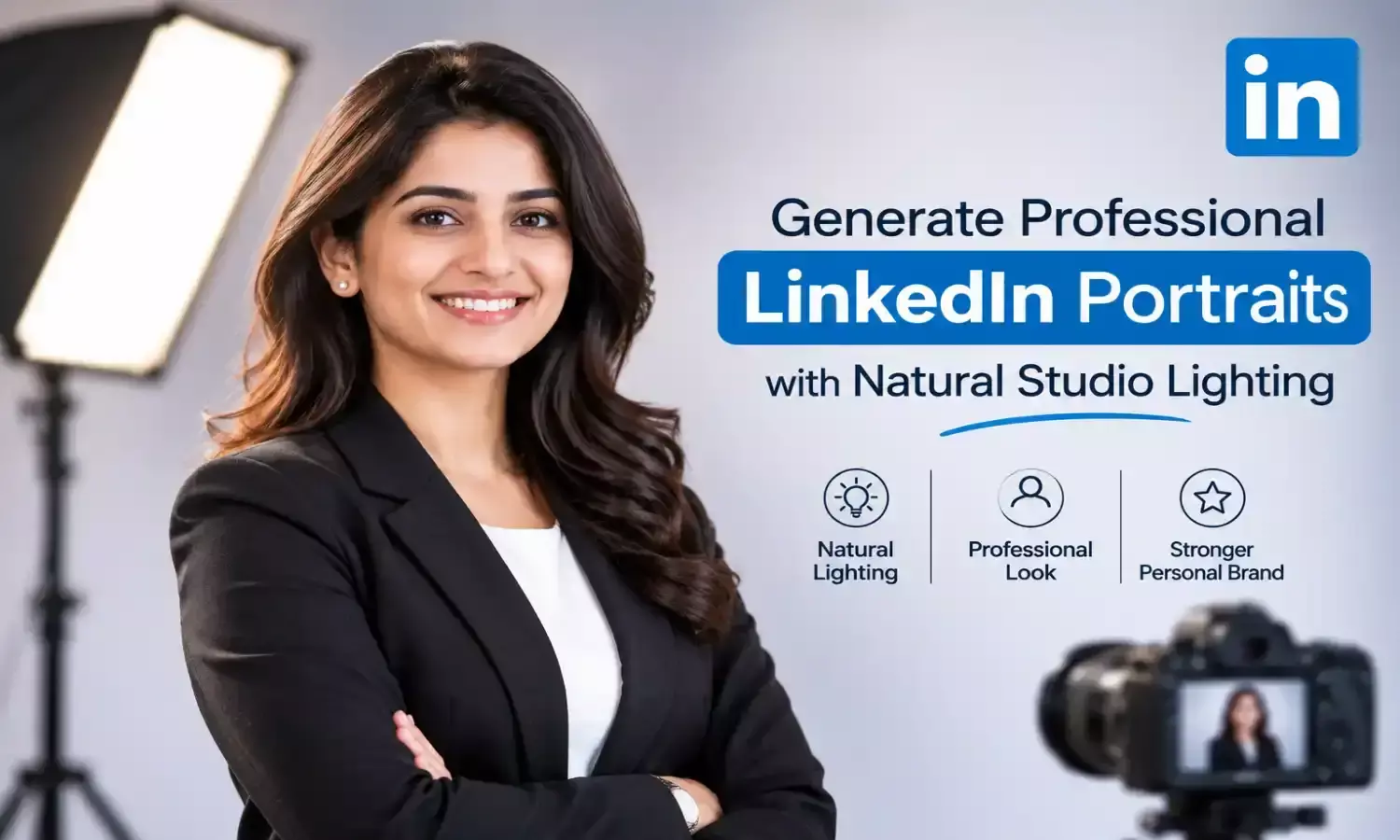
An advanced lets you create that polished look without booking a studio session, and Dreamina excels at the soft, flattering natural light professional portraits depend on.
Here’s how to get a portrait that looks like you on your best day.
Why light matters more than the camera
Most of what makes a portrait look professional is how the light falls on the face. Soft, directional light gives gentle shadows that sculpt features, while harsh overhead light flattens or exaggerates them. When you describe the lighting clearly, you control the single biggest factor in the final result.
A short vocabulary of portrait light
Knowing a few terms helps you write sharper prompts.
- Window light: soft and natural, ideal for approachable, friendly profiles
- Softbox light: even and polished, a classic choice for corporate headshots
- Rim light: a subtle edge glow that separates you from the background
Matching the look to your industry
A financial adviser and a creative director do not need the same portrait. Conservative fields suit neutral backdrops, tailored clothing, and a composed expression, while creative fields can carry warmer tones, textured backgrounds, or a more relaxed pose. Think about who will be looking at your profile and what impression helps you most.
Choosing a background that supports you
A good backdrop frames the face without competing with it. Soft greys and muted blues feel calm and trustworthy, while a blurred office or a bright window adds a little context. Keep it simple, and describe the blur as shallow depth of field so the focus stays on you.
Dreamina’s models and what each does for portraits
Nano Banana
Dreamina offers several image generation models in one place. Nano Banana is great for rapid exploration, letting you test lighting setups, wardrobe colors, and backdrops quickly.
GPT Image 2.5
GPT Image 2.5 handles detailed descriptions closely, which helps when you want specific clothing, posture, and mood all in one image. For the final version, the newest model usually gives the best skin texture and lighting realism.
Seedream 5.0 Pro
Seedream 5.0 Pro is Dreamina’s latest and most advanced image generation model, and its strengths are well matched to portraiture.
- Precise editing: adjust one thing, such as collar color or background tone, without re-rolling the entire face.
- Deep-thinking generation: it reasons through a detailed brief, balancing lighting, wardrobe, and expression together.
- Layer-style control: treat the subject, the backdrop, and the lighting as separate parts to refine.
- Consistent sets: carry one look across several portraits, which is useful when you need matching images for different platforms.
Your portrait in three simple moves
Step 1: Write a text description
Open Dreamina and write a detailed text prompt describing the person, their clothing, lighting direction, background, and mood, like briefing a portrait photographer. You can also add a reference image of yourself so the result reflects your own features and styling.
Example: A professional LinkedIn portrait of a friendly consultant in a white shirt and light grey blazer, soft natural studio lighting from the left, warm neutral backdrop, relaxed confident expression, crisp eye detail, shallow depth of field.
Step 2: Modify parameters and generate
Choose Image 5.0 Pro, powered by Seedream 5.0 Pro, then set your aspect ratio, size, and resolution. A square or portrait ratio suits profile photos, and 2K gives you room to crop. Click Dreamina’s icon to generate.
Step 3: Customize and download
Fine-tune the result with Dreamina’s AI customization tools. Inpaint to adjust a collar or accessory, expand to give the frame more breathing room, remove to tidy stray details, and retouch for a final polish. Then click the Download icon to save your portrait.
Wardrobe choices that photograph well
Clothing can quietly make or break a headshot. Solid colors in mid-tones usually work best, since busy patterns distract from the face. Structured collars and clean necklines frame the jaw, while very bright whites can blow out in strong light.
Expression and posture
The best professional portraits feel relaxed rather than rigid. Ask for a gentle, genuine smile, a slight angle of the shoulders, and a calm gaze toward the camera. Small adjustments to posture often make the biggest difference in how approachable the image feels.
Using one portrait across your professional presence
Once you have a version you love, reuse it consistently across your profile, speaker bios, email signature, and personal website. A matching set of crops and tones helps people recognize you instantly, and it keeps your personal brand tidy.
Keeping it truthful
A portrait should still look like you. Use a clear reference image of yourself, avoid dramatic changes to your features, and remember that a profile photo is a form of introduction. An honest image that flatters, rather than a stranger’s face, is what builds trust when you finally meet.
A better first impression, without the studio
Strong portraits used to be a scheduling and budgeting exercise. With Dreamina and the natural-looking light of Seedream 5.0 Pro, a polished headshot is a few clear sentences away, and you can start creating yours today.