
How to Add, Remove or Change Your Email Address on Facebook
Have you stopped using the email address that is connected to your Facebook account? Do you want to put in another email address for later use? You do not have to make a Facebook account to do these things. Facebook lets people handle their email information through the Accounts Centre.
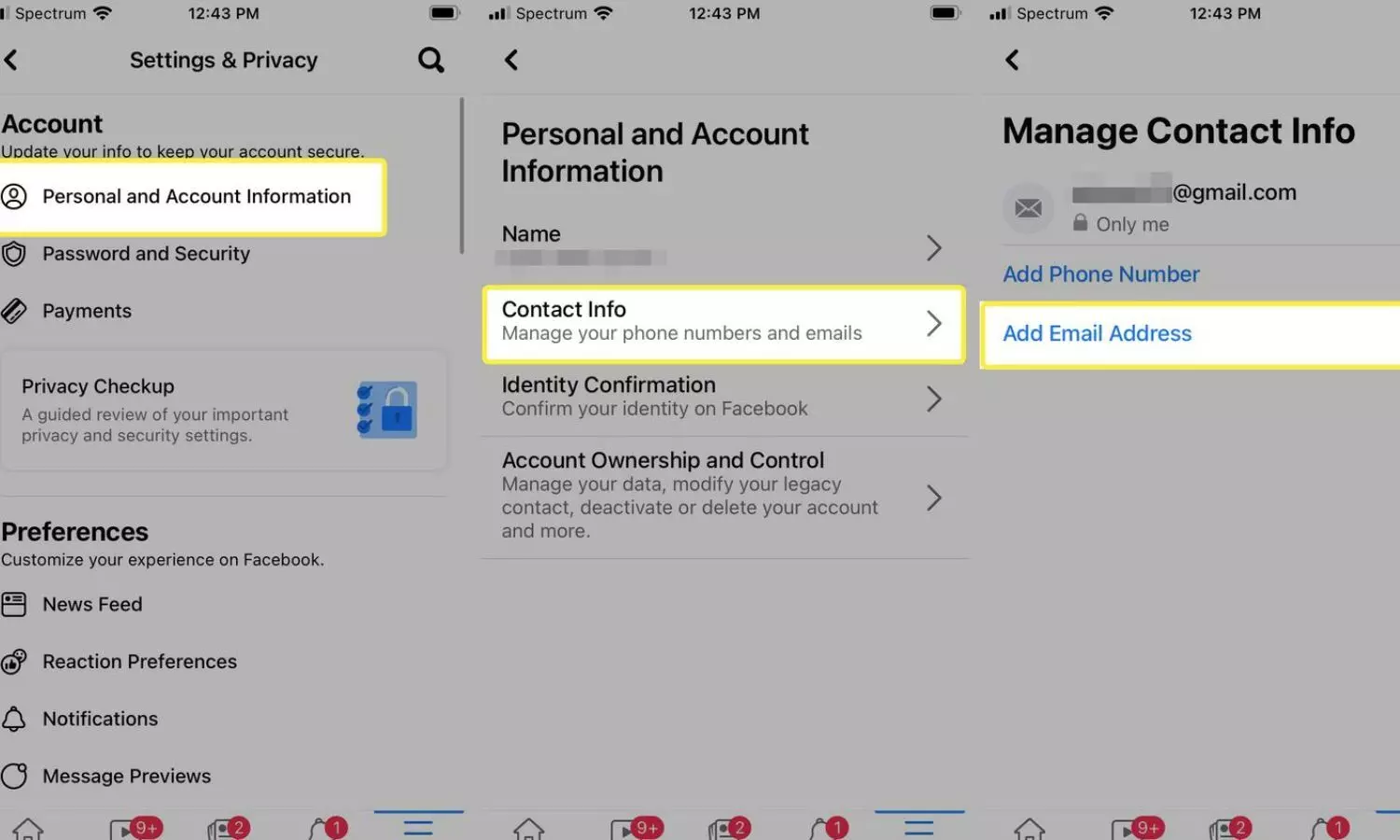
The steps are simple. If you are putting in an email address you will need to type in a verification code that gets sent to your email inbox. To remove an existing address, Facebook may ask you to enter your account password.
Here is how to make these changes.
How to add an email address to Facebook
Follow these steps to link a new email address to your account.
Open Facebook and click your profile picture in the top-right corner.
Select Settings and privacy, then click Settings.
Open Accounts Centre.
Click Personal details, followed by Contact info.
Select Add new contact and then click Add email address.
Enter the email address you want to add and choose the account you want to link it to. Click Next.
Check your email inbox for the confirmation code sent by Facebook.
Enter the code, click Next and then select Close.
Your new email address will be added once the verification process is completed.
How to remove an email address from Facebook
If an email address is no longer in use, you can remove it from your account.
Click your profile picture and go to Settings and privacy.
Select Settings and open Accounts Centre.
Click Personal details and go to Contact info.
Select the email address you want to remove.
Click Delete email and confirm by selecting Delete.
If asked, enter your Facebook password and click Submit. Select Close to finish.
How to change your Facebook email address
To replace your email address, delete the old one and add the new address by following the steps mentioned earlier.
Facebook also allows users to select which email address is marked as the one and control who is able to view their email address.
Before you delete an email address verify that you can still log in to your account and that you have your new contact details prepared. It is important to keep your information up to date because having up-, to-date information makes managing your account easier.